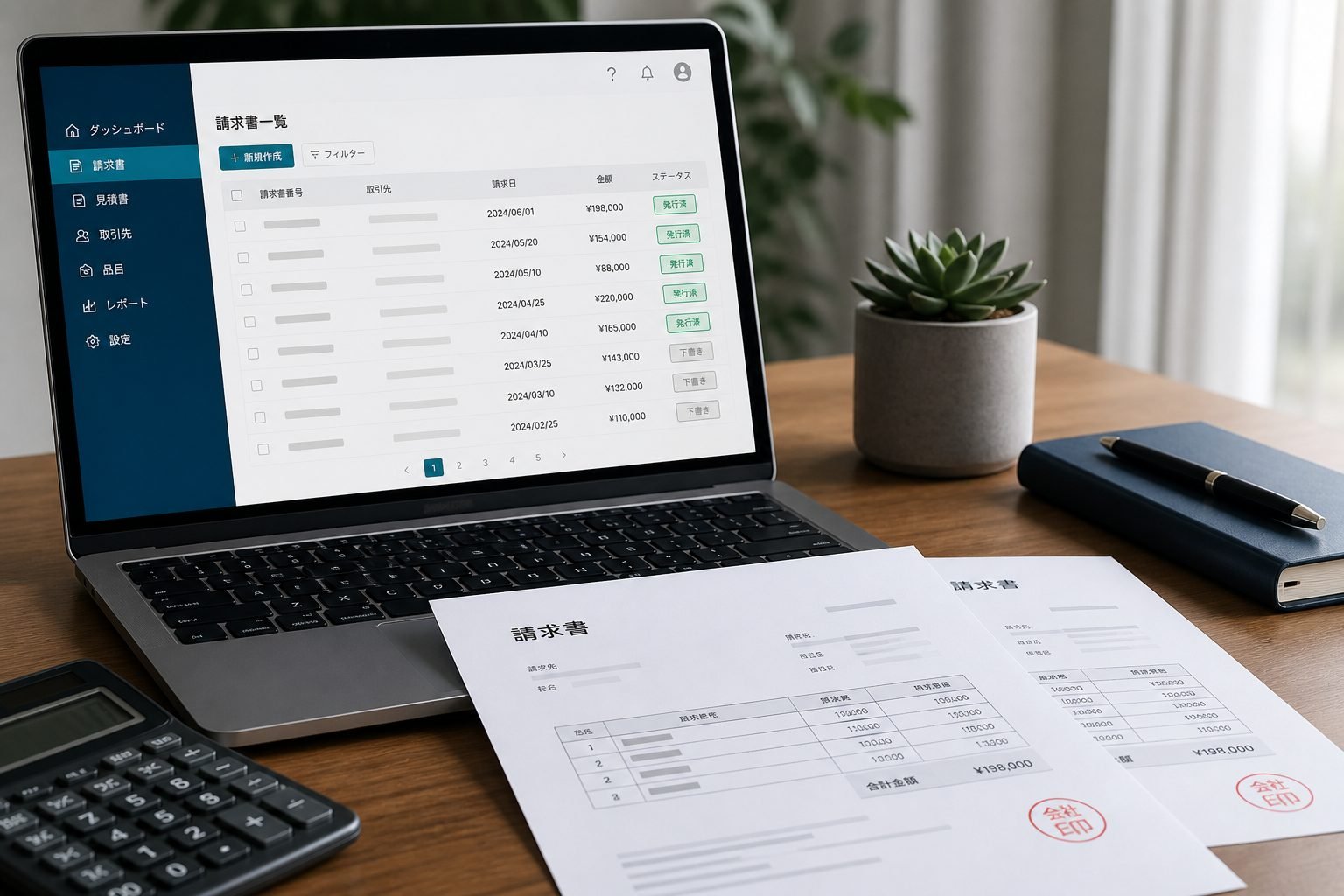
Auto-related businesses create and send documents every day. The KMC JAPAN member portal helps you store Qualified Invoice issuer details and manage invoices, estimates, and receipts in one place.
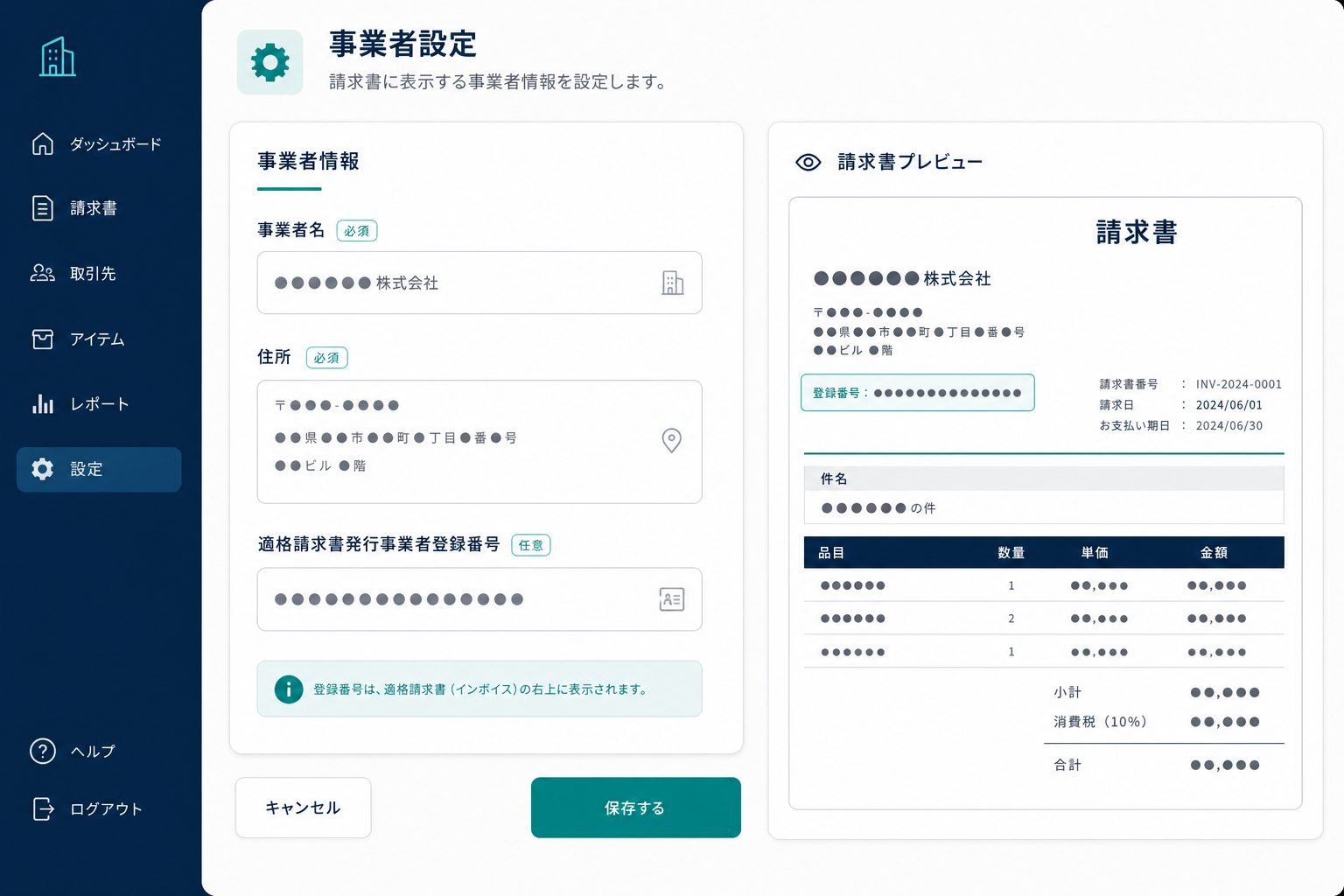
Set this up first
Save your business name, address, and Qualified Invoice registration number so documents fill in correctly. You can edit later, but starting with accurate issuer data saves rework.
What the Free plan covers
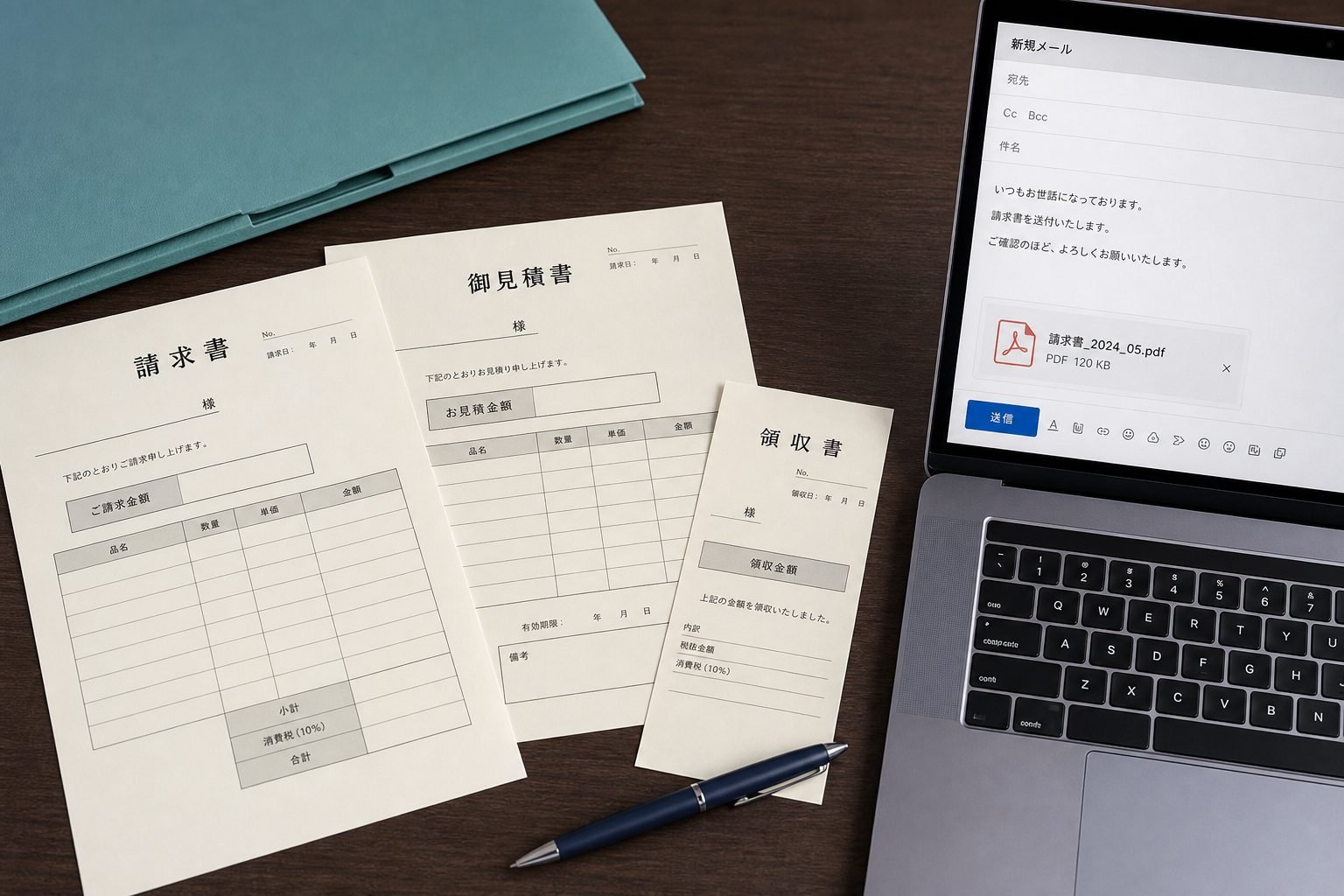
- Create, edit, and list invoices, estimates, and receipts
- Print, PDF download, and email delivery
- Reusable client details (availability depends on plan)
Grow as volume increases
When activity grows, transaction lists, tax summaries, and recurring invoices help keep operations steady. Start with one invoice, then expand.
Create a free account or review the overview on Services.